
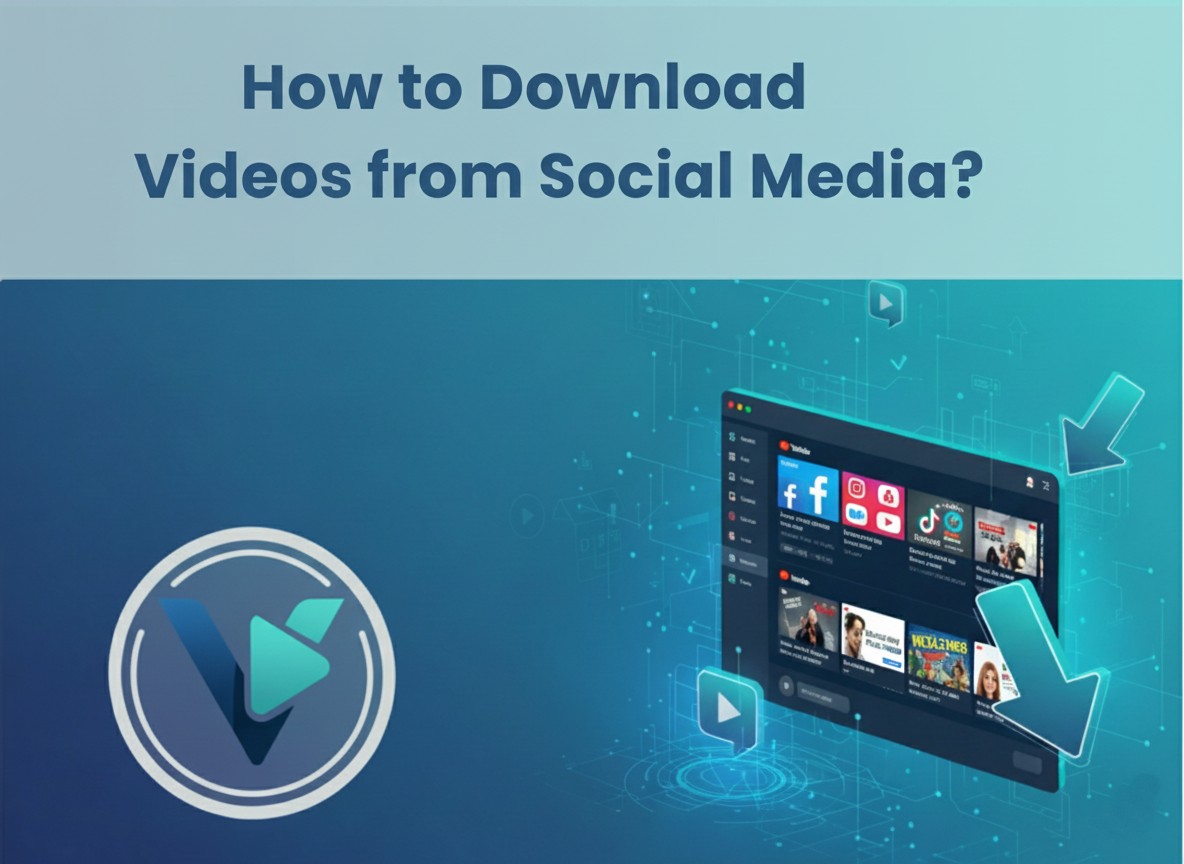
Streaming is great, until you’re without internet, data limits strike, or your favorite content disappears from your feed. That’s why millions now turn to tools that allow them to download videos from platforms like YouTube, Facebook, and Instagram. Whether you’re a student, a content creator, or someone who simply wants offline access to videos, this guide will walk you through how to download videos from social media safely and easily.
Our tool, Video Downloader Online, makes this entire process smooth, fast, and free. It supports multiple formats and works on any device without the need for installation or accounts.
Why Download Videos from Social Media?
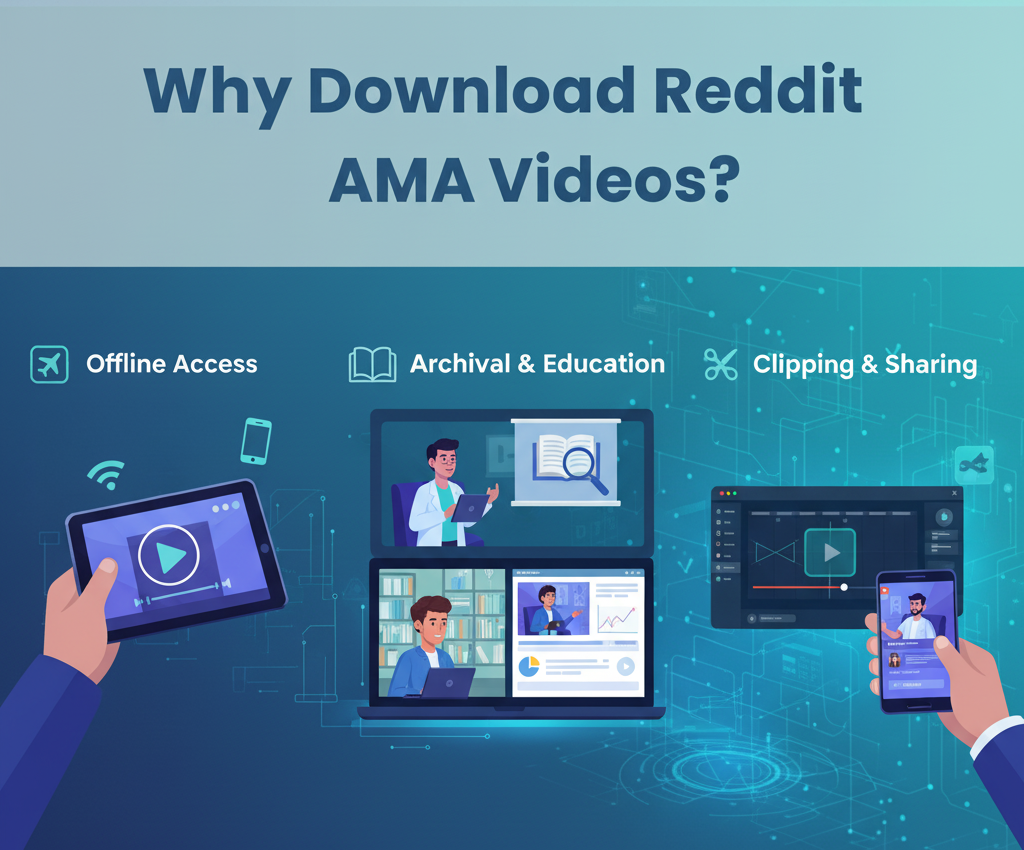
Before diving into the how, it’s worth understanding the why. Downloading videos offers benefits like:
- Offline access on flights, during commutes, or in areas with poor internet.
- Saving content for future reference (especially tutorials, interviews, or creative work).
- Archiving posts that might be deleted later.
- Creating compilations or reaction videos with proper credit.
No matter the reason, our platform allows you to legally and ethically save publicly available content using just a link.
Supported Platforms and Formats
Our tool supports downloads from the following platforms:
- YouTube (videos, Shorts, and even audio)
- Facebook (public posts, Reels, and videos)
Instagram (Reels, videos, Stories, and IGTV)
And allows you to save them in multiple formats:
- MP4 (video)
- MP3 (audio only)
- HD / Full HD / 4K (based on original video quality)
- No watermark (as long as the video itself is clean)
You can choose the format before downloading, and it works across Android, iOS, Windows, and macOS devices.
How to Download a YouTube Video
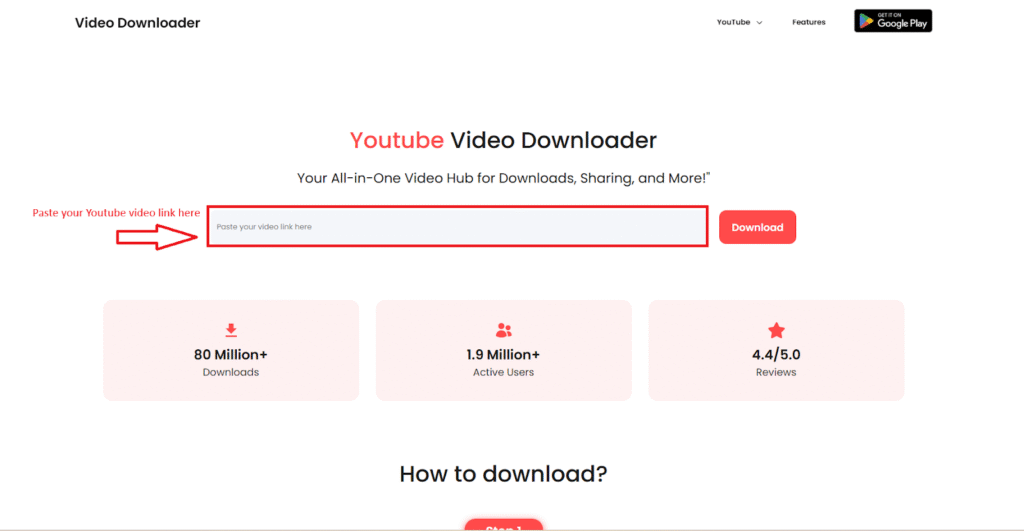
Step 1: Copy the Video URL
Go to YouTube, find the video you want to save, and copy the URL from the address bar. It should look like:
https://www.youtube.com/watch?v=example123
Tip: You can also copy URLs from the YouTube app by tapping “Share” → “Copy link”.
Step 2: Paste the Link into Video Downloader Online
Open our YouTube Video Downloader Online and paste the copied link into the input field.
Step 3: Select Format and Quality
Choose your desired resolution—720p, 1080p, or even 4K if available. For music or podcasts, you can select MP3.
Step 4: Click Download
Click the Download button, and within seconds, your file will be ready to save. No login, no installation.
Step 5: Save to Your Device
Once the video is processed, tap or click “Save”. The video or audio file will be downloaded to your gallery, downloads folder, or wherever your browser saves files.
How to Download Facebook Videos
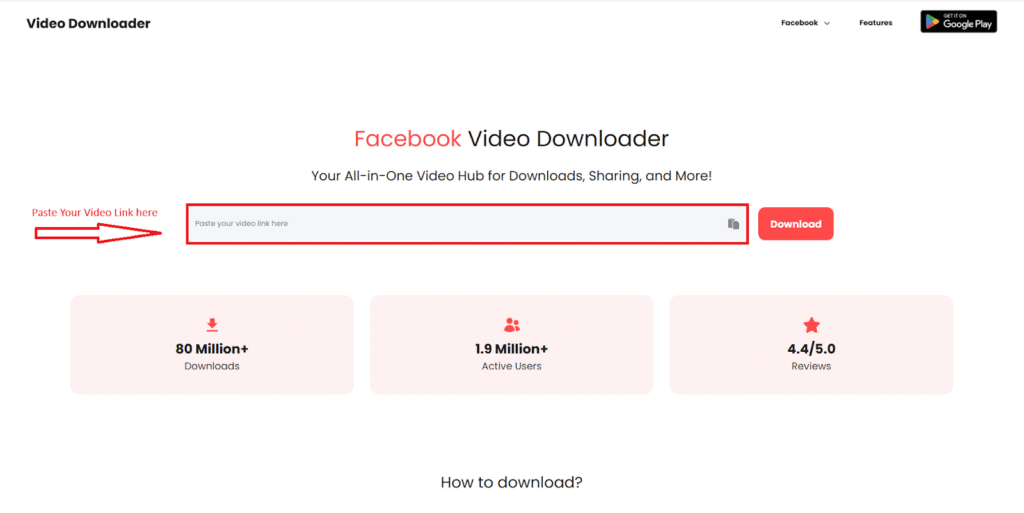
Step 1: Get the Public Facebook Video Link
Navigate to the Facebook post or Reel and click on the three-dot menu → “Copy link”.
Only public videos can be downloaded. Private or restricted content is not supported due to privacy rules.
Step 2: Use the Facebook Downloader Tool
Visit our Facebook Video Downloader, paste the link, and click the Download button.
Step 3: Choose Video Quality
Options include SD, HD, and Full HD, depending on the original video. Select what you prefer and click to save.
How to Download Instagram Videos and Reels
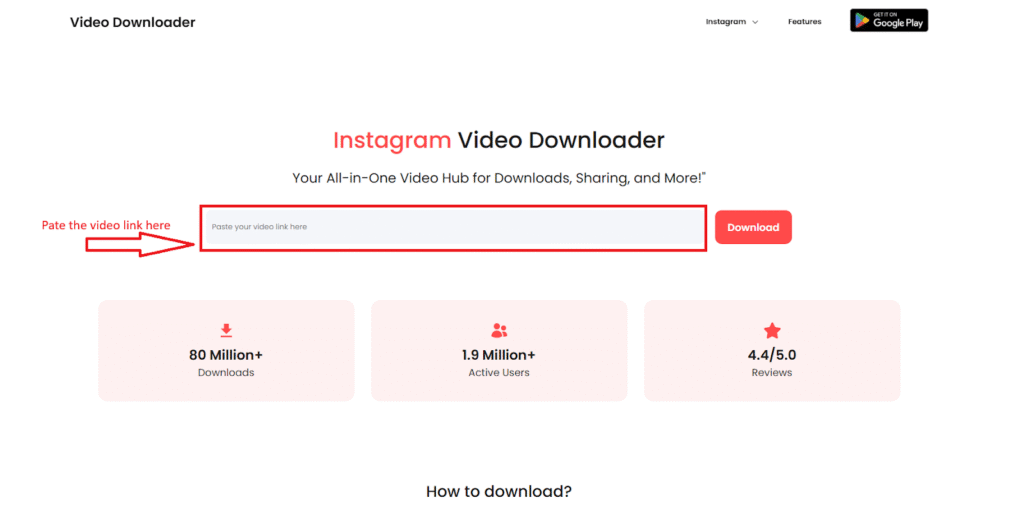
Step 1: Copy the Instagram Video or Reel URL
From the Instagram app or browser, tap “Share” → “Copy Link” on any public Reel, video, or story.
URLs should look like: https://www.instagram.com/reel/xyz123/
Step 2: Paste and Download
Paste the copied URL into our Instagram reels Downloader and press download. You’ll get the option to save in MP4, with or without watermark (depending on availability).
Step 3: Save to Gallery
Once processed, you can tap Save to instantly download it to your mobile or desktop.
Compatible URLs & Link Types
Our tool supports the following URL formats:
- YouTube:
- https://www.youtube.com/watch?v=VIDEOID
- https://youtu.be/VIDEOID
- https://youtube.com/shorts/VIDEOID
- Facebook:
- https://www.facebook.com/username/videos/VIDEOID
- https://fb.watch/VIDEOID/
- Instagram:
- https://www.instagram.com/reel/VIDEOID/
- https://www.instagram.com/p/VIDEOID/
- https://www.instagram.com/stories/username/storyID/
Just make sure the post is public and shareable.
Mobile and Desktop Support
Our platform is fully responsive and works on:
- Android (via browser or mobile app)
- Windows, Mac, and Linux desktops
- Chrome, Safari, Firefox, Edge, Opera and more
We also offer native apps for mobile users:
Is It Safe and Legal?
Yes, downloading public content for personal use is completely legal. However, downloading copyrighted videos for redistribution or commercial purposes is not allowed without permission from the creator.
We also don’t store any of your data or download history. It’s a fully encrypted, anonymous experience.
Final Thoughts
Saving videos from YouTube, Facebook, and Instagram shouldn’t require complicated software or sketchy plugins. With Video Downloader Online, it’s as easy as copy, paste, and download. Whether you’re archiving learning content, backing up inspirational reels, or simply building an offline playlist, our platform is here to make that process secure and seamless.
So the next time you find a video you love, don’t just stream it. Keep it.